
Create Professional-Looking Expenses Receipts with Ease
For small businesses and freelancers, managing finances can be a daunting task. Accuracy and efficiency are crucial when it comes to tracking expenses and creating receipts, as they directly impact credibility and cash flow. With our receipt generator, you can simplify financial record-keeping and boost your professional image by creating customizable receipts in minutes.
Key takeaways
- Create professional-looking receipts in minutes with our customizable templates
- Simplify financial record-keeping and improve accuracy
- Boost credibility with consistent and organized receipts
- Download and print receipts instantly in PDF or PNG format
- Compatible with popular accounting software, including QuickBooks and Xero
Why Use Our Receipt Generator?
Our receipt generator is designed to make creating professional-looking expenses receipts a breeze. Here are a few reasons why you should use our receipt generator:
- Time-saving: Create receipts quickly and efficiently, saving you time and reducing administrative burden
- Increased accuracy: Our templates ensure consistency and accuracy, reducing errors and potential disputes
- Professional image: Customizable receipts showcase your professionalism and attention to detail
- Scalability: Our generator can handle large volumes of receipts, making it ideal for growing businesses
Creating a Professional Receipt in Minutes
- Choose a template that suits your business needs
- Fill in the necessary information, including date, invoice number, and payment details
- Add any additional items or services provided
- Review and customize the receipt to ensure accuracy and consistency
- Download and print your receipt in PDF or PNG format
Customizing Your Receipt
Our templates are fully customizable, allowing you to tailor your receipts to your business needs. You can:
- Add or remove fields to suit your specific requirements
- Change the layout and design to match your brand
- Include your business logo and contact information
- Use our built-in calculator for easy calculations
- Set up recurring receipts for regular payments
- Add tax rates and calculations for different jurisdictions

Types of Receipts You Can Create
Our receipt generator allows you to create a variety of receipts, including:
- Sales receipts
- Invoices
- Delivery receipts
- Refund receipts
- Donation receipts
- Deposit receipts
- Payment receipts
- Purchase orders
Advanced Features for Businesses
Create a professional receipt in under a minute — free to preview.
Start creating- Multi-user support: Invite team members to access and manage receipts
- Receipt approval workflow: Set up an approval process for receipts before they are finalized
- Customizable receipt templates: Create custom templates for specific business needs
- Integrations: Integrate with popular accounting software, CRM systems, and other business tools
Download and Print Your Receipt Instantly
Once you've created your receipt, you can download it instantly in PDF or PNG format. This allows you to:
- Print physical copies for clients and customers
- Send digital copies via email or messaging apps
- Store digital copies in your accounting software or cloud storage
- Share receipts with team members or stakeholders
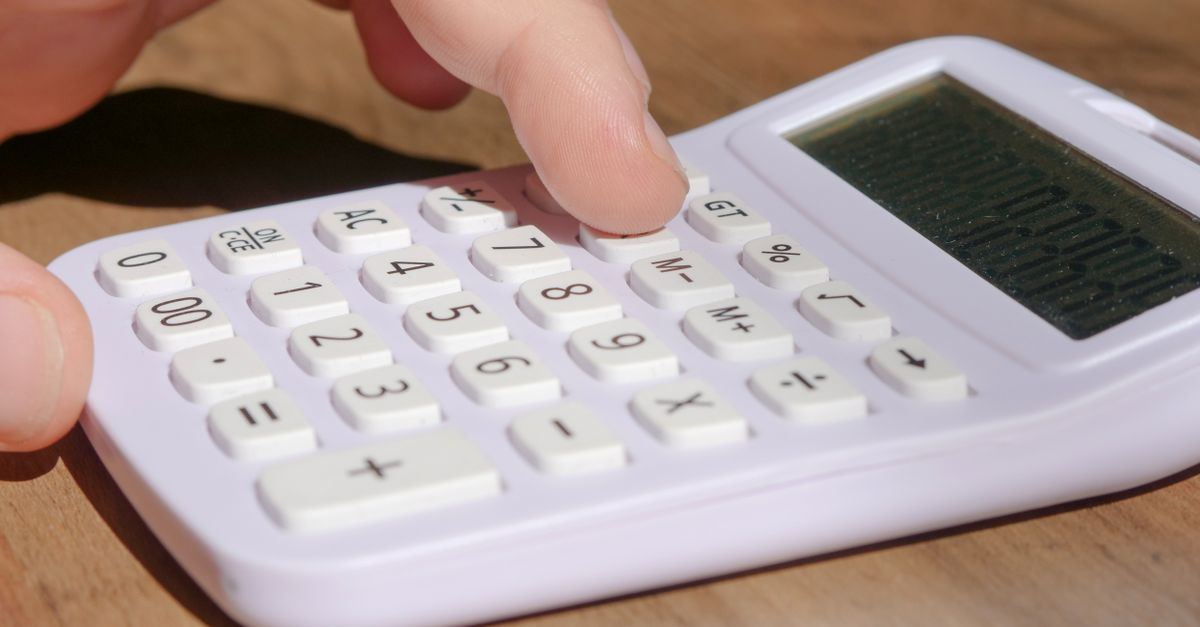
How to Use Our Receipt Generator with Your Accounting Software
Our receipt generator integrates seamlessly with popular accounting software, including QuickBooks and Xero. This allows you to:
- Import receipts directly into your accounting software
- Automatically update your financial records
- Streamline your accounting and invoicing processes
- Generate reports and analytics with ease
Benefits of Using Our Receipt Generator
- Improved accuracy: Reduce errors and potential disputes with consistent and accurate receipts
- Increased efficiency: Save time and reduce administrative burden with our receipt generator
- Enhanced professionalism: Showcase your professionalism and attention to detail with customizable receipts
- Cost savings: Reduce costs associated with printing and storing physical receipts
Common Scenarios for Using Our Receipt Generator
- Freelancers: Use our generator to create professional-looking invoices and receipts for clients
- Small businesses: Simplify financial record-keeping and improve accuracy with our receipt generator
- E-commerce businesses: Create delivery receipts and refund receipts for online transactions
- Non-profit organizations: Use our generator to create donation receipts and track donations
Frequently asked questions
Q: What types of receipts can I create with ReceiptExpenses?
You can create a variety of receipts with our generator, including sales receipts, invoices, delivery receipts, refund receipts, donation receipts, deposit receipts, payment receipts, and purchase orders.
Q: Can I customize my receipts to match my business brand?
Yes, our templates are fully customizable, allowing you to add or remove fields, change the layout and design, and include your business logo and contact information.
Q: How do I download and print my receipt?
Once you've created your receipt, you can download it instantly in PDF or PNG format and print physical copies or send digital copies via email or messaging apps.
Q: Can I integrate our receipt generator with my existing accounting software?
Yes, our generator integrates seamlessly with popular accounting software, including QuickBooks and Xero.
Q: Do you offer any support for businesses with complex receipt requirements?
Yes, our support team is available to help with any questions or concerns you may have, and we offer custom solutions for businesses with complex receipt requirements.
Related articles
- Simplifying Expense Tracking for Small Businesses and Freelancers: The Power of Digital Expense Receipts
- Streamlining Accounting and Invoicing Processes with a Receipt Maker
- Make a Receipt for Walmart
Create a professional receipt in under a minute — free to preview.
Start creating