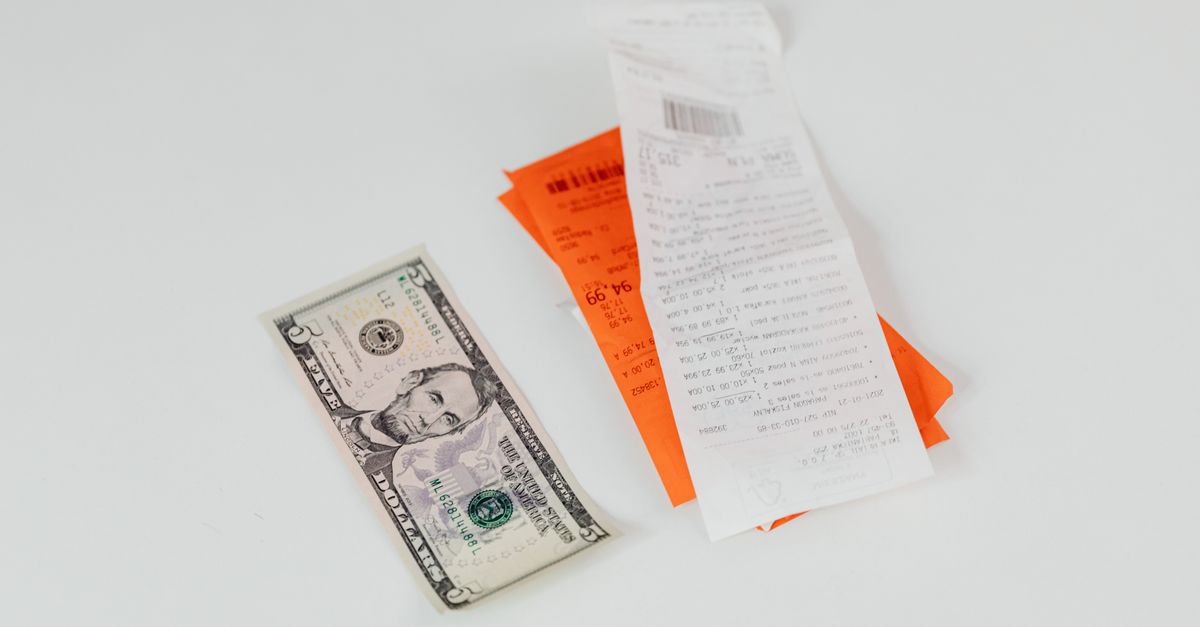
Creating a Fake Receipt Maker for Legitimate Purposes
When it comes to creating a fake receipt maker, it's essential to understand that the term "fake" refers to a digital tool that helps you recreate a receipt for a legitimate transaction that was lost, faded, or never issued. This can be a lifesaver for businesses and individuals alike, especially when it comes to tracking expenses and managing receipts.
Key Takeaways
- A fake receipt maker is a tool for recreating receipts for legitimate transactions.
- Use a fake receipt maker for honest purposes only.
- Compliance with laws and regulations is crucial when using a fake receipt maker.
What is a Fake Receipt Maker?
A fake receipt maker, also known as a receipt generator or online receipt maker, is a digital tool that allows you to create a receipt for a transaction that has already taken place. This can be useful when the original receipt is lost, damaged, or never issued. A fake receipt maker typically offers a range of features, including:
- Pre-designed templates for various types of transactions (e.g., restaurant, retail, service-based)
- Customizable fields for entering transaction details
- Ability to add images or attachments (e.g., product photos, invoices)
- Option to download the receipt as a PDF or PNG file
Creating a Fake Receipt Maker for Lost or Faded Receipts
Step-by-Step Guide to Recreating a Receipt
- Gather the necessary information about the transaction, including:
- Date and time of the purchase
- Amount paid (including any taxes or fees)
- Details of the purchase (e.g., product name, quantity, description)
- Store or business name and address
- Choose a template from a reputable receipt maker tool. Consider the type of transaction and the level of detail you need to include.
- Fill in the information accurately and truthfully. Double-check for spelling and formatting errors.
- Download the recreated receipt as a PDF or PNG file.
Example: Recreating a Receipt for a Lost Restaurant Bill
Suppose you lost your receipt for a meal at a restaurant last week. You remember the date (February 10th), the amount you paid ($25.50), and the details of the meal (burger, fries, and a drink). You can use a fake receipt maker to recreate the receipt:
| Field | Information |
|---|---|
| Date | February 10th |
| Time | 7:45 PM |
| Amount | $25.50 |
| Details | Burger, fries, and drink |
| Store | Joe's Diner |
| Address | 123 Main St |
You fill in the information accurately and truthfully, and download the recreated receipt as a PDF file.
Using a Fake Receipt Maker for Business and Personal Expenses
As a business owner or freelancer, you can use a fake receipt maker to create receipts for business expenses or personal expenses, such as household items or travel expenses.
Benefits for Businesses
- Simplify expense tracking and management
- Reduce the risk of lost or misplaced receipts
- Provide a professional-looking receipt for customers or clients
Benefits for Personal Use
- Keep track of personal expenses for tax purposes
- Simplify expense tracking for household items or travel expenses
- Create a record of purchases for insurance or warranty purposes
Best Practices for Creating a Fake Receipt Maker
- Only recreate receipts for legitimate transactions.
- Accurately fill in the information, including the date, time, amount, and details of the transaction.
- Use a reputable receipt maker tool to ensure the receipt is professional and legitimate-looking.
- Keep the recreated receipt for your records, in case you need to refer to it later.
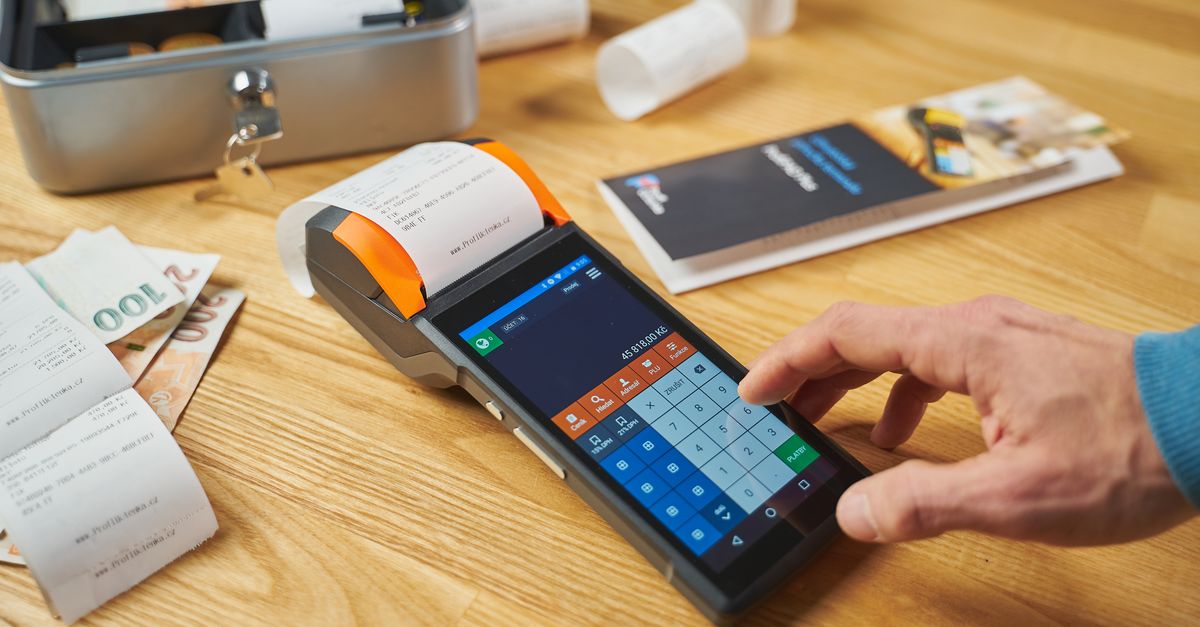
Important Note
Creating a receipt for a transaction that never occurred is fraud and is illegal in most jurisdictions. Use a fake receipt maker only for legitimate purposes.
Choosing a Fake Receipt Maker Tool
When selecting a fake receipt maker tool, consider the following factors:
- User interface and ease of use
- Template options and customization
- Security and data protection measures
- Customer support and reviews
Create a professional receipt in under a minute — free to preview.
Start creatingSome popular fake receipt maker tools include:
| Tool | Features | Pricing |
|---|---|---|
| Receipt Ninja | Customizable templates, image upload | Free trial, $9.99/month |
| Receipt Genie | Pre-designed templates, expense tracking | Free trial, $14.99/month |
| Receipt Magic | Advanced customization, PDF export | $29.99/month |
Creating a Fake Receipt Maker for Business Proposals or Presentations
You can also use a fake receipt maker to create fictional receipts for business proposals or presentations. This can help you demonstrate the potential costs and benefits of a project or service.
Example: Creating a Fake Receipt for a Business Proposal
Suppose you're pitching a marketing campaign to a client and want to demonstrate the potential costs and benefits. You can create a fake receipt for a fictional marketing campaign:
| Field | Information |
|---|---|
| Date | January 1st |
| Time | 9:00 AM |
| Amount | $10,000 |
| Details | Marketing campaign for new product launch |
| Store | XYZ Corporation |
| Address | 456 Main St |
You fill in the information accurately and truthfully, and use the fake receipt as a prop in your presentation.
Creating a Fake Receipt Maker for Meme or Creative Projects
You can also use a fake receipt maker to create fictional receipts for meme or creative projects. This can be a fun and creative way to generate receipts for humorous or fictional purposes.
Example: Creating a Fake Receipt for a Meme
Suppose you're creating a meme about a fictional character's shopping spree and want to include a fake receipt. You can use a fake receipt maker to create a receipt with humorous details:
| Field | Information |
|---|---|
| Date | April 1st |
| Time | 12:00 PM |
| Amount | $100 |
| Details | "Coffee, cat food, and unicorn horn" |
| Store | Meme Mart |
| Address | 789 Main St |
You fill in the information with a humorous twist and use the fake receipt as part of your meme.
Advanced Features of Fake Receipt Makers
Some fake receipt makers offer advanced features, such as:
- Barcode generation
- QR code creation
- Customizable font styles and colors
- Ability to add watermarks or logos
Creating a Fake Receipt Maker for International Transactions
If you need to create receipts for international transactions, consider a fake receipt maker that supports international currencies and formatting. Some popular tools include:
| Tool | Features | Pricing |
|---|---|---|
| Receipt International | Currency conversion, international formatting | Free trial, $19.99/month |
| Receipt Global | Multi-currency support, PDF export | $29.99/month |
| Receipt Pro | Advanced international features, customer support | $49.99/month |
Additional Tips for Using a Fake Receipt Maker
- Always use a reputable receipt maker tool to ensure the receipt is professional and legitimate-looking.
- Keep the recreated receipt for your records, in case you need to refer to it later.
- Be transparent about the recreated receipt, especially if you're using it for business purposes.
Comparing Fake Receipt Maker Tools
Here's a comparison table of some popular fake receipt maker tools:
| Tool | Features | Pricing |
|---|---|---|
| Receipt Ninja | Customizable templates, image upload | Free trial, $9.99/month |
| Receipt Genie | Pre-designed templates, expense tracking | Free trial, $14.99/month |
| Receipt Magic | Advanced customization, PDF export | $29.99/month |
| Receipt International | Currency conversion, international formatting | Free trial, $19.99/month |
| Receipt Global | Multi-currency support, PDF export | $29.99/month |
| Receipt Pro | Advanced international features, customer support | $49.99/month |
Frequently asked questions
Q: Can I use a fake receipt maker to claim a refund for a purchase I didn't actually make?
A: No, using a fake receipt maker to claim a refund for a purchase you didn't actually make is considered fraud.
Q: Can I use a fake receipt maker for personal expenses?
A: Yes, it's perfectly fine to use a fake receipt maker for personal expenses, such as household items or travel expenses. Just make sure to accurately recreate the receipt and keep it for your records.
Q: Can I use a fake receipt maker for business expenses?
A: Yes, a fake receipt maker can be a useful tool for businesses and freelancers to create receipts for business expenses. Just make sure to accurately recreate the receipt and keep it for your records.
Q: Is it safe to use a fake receipt maker?
A: Yes, reputable fake receipt maker tools prioritize security and data protection. Look for tools with robust security measures and customer support.
Q: Can I use a fake receipt maker for international transactions?
A: Yes, many fake receipt maker tools support international transactions. However, be sure to check the tool's compatibility with international currencies and formatting.
Q: Can I customize the templates in a fake receipt maker tool?
A: Yes, most fake receipt maker tools offer customizable templates. You can choose from various types of transactions and customize the fields to fit your needs.
Q: Can I add images or attachments to a fake receipt?
A: Yes, some fake receipt maker tools allow you to add images or attachments, such as product photos or invoices.
Related articles
- Lost Receipts? Don't Panic: How to Create a Digital Receipt with a Fake Receipt Generator
- Receipt Maker Free: Streamline Your Business Receipts with Ease
- Online Receipt Maker for Small Businesses and Freelancers
Create a professional receipt in under a minute — free to preview.
Start creating