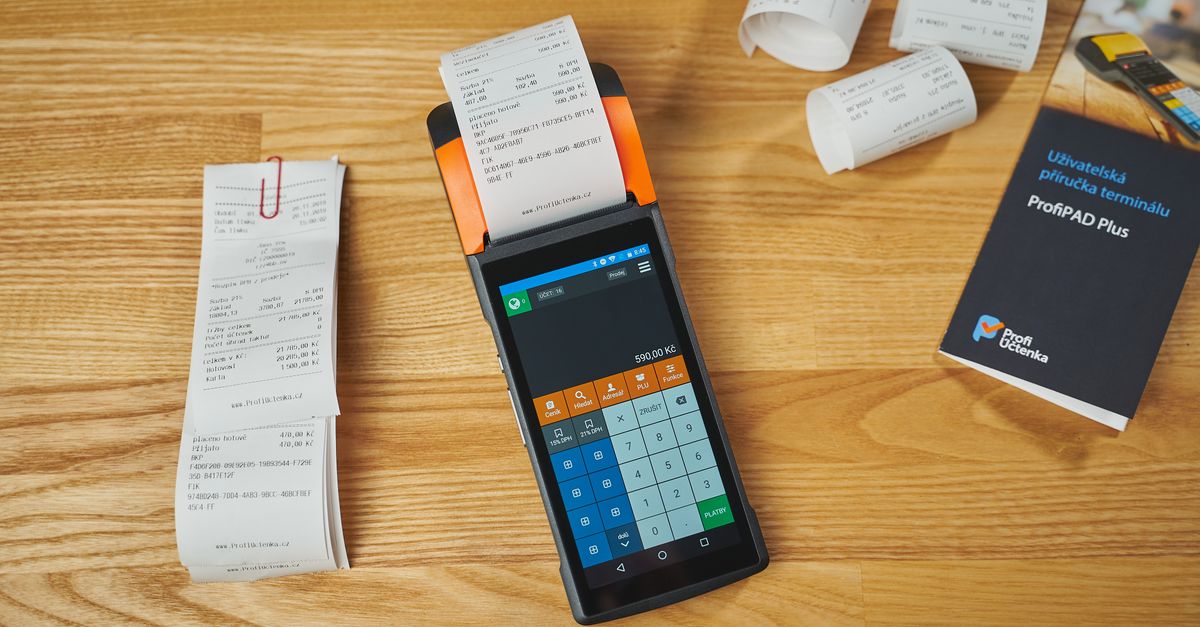
Simplify Expense Tracking and Invoicing with Easy Receipt Generation
As a small business owner or freelancer, managing expenses and creating professional-looking receipts can be a daunting task. With the right tools, you can streamline your business operations and focus on growth. Receipt generation is a key part of expense tracking and invoicing, and with ReceiptExpenses, you can create professional-looking receipts with ease.
Key Takeaways
- Easily generate various types of receipts, including sales receipts, invoices, and expense reports
- Streamline your business operations with automated receipt generation
- Say goodbye to manual receipt creation and hello to increased productivity
- Reduce errors and improve accuracy with automated receipt generation
- Increase customer satisfaction with professional-looking receipts
- Improve cash flow management with accurate and detailed receipts
- Enhance customer trust with transparent and secure receipt generation
Streamline Your Business Operations with Receipt Generation
Manual receipt creation is time-consuming and error-prone. With ReceiptExpenses, you can generate receipts online in just a few clicks. Our receipt generator allows you to customize templates, add your business logo, and include necessary details like date, time, and payment method.
How to Create Professional Receipts Online
Here's a step-by-step guide:
| Step | Description |
|---|---|
| 1. Choose a template | Select from our range of pre-designed templates or create your own custom template |
| 2. Add receipt details | Enter date, time, payment method, and relevant business information |
| 3. Customize your receipt | Add your business logo, adjust font sizes and colors, and include additional details |
| 4. Download your receipt | Save your receipt as a PDF or PNG file, ready for printing or emailing |
Example: Customizing a Receipt Template
Suppose you want to create a receipt for a sale of $100. You can use our template and customize it as follows:
- Change the font size to 14-point Arial
- Add your business logo in the top-left corner
- Include a payment method of "Credit Card"
- Add a note: "Thank you for your purchase!"
- Save the receipt as a PDF file
Advanced Customization Options
ReceiptExpenses offers advanced customization options to take your receipt generation to the next level:
- Font styles: Choose from a range of font styles, including bold, italic, and underlined text
- Colors: Select from a palette of pre-designed colors or create your own custom color scheme
- Images: Add your business logo, product images, or other relevant graphics to your receipt
- Barcode and QR code generation: Add a barcode or QR code to receipts for easy tracking and verification
- Security features: Include security features like holograms or watermarks to prevent counterfeiting
Top Benefits of Using a Receipt Generator for Your Business
Using a receipt generator offers numerous benefits:
- Time-saving: Automated receipt generation saves you time and reduces administrative tasks
- Increased productivity: Focus on growing your business, not creating receipts
- Professional-looking receipts: Customizable templates ensure your receipts look polished
- Reduced errors: Automated receipt generation minimizes errors and ensures accuracy
- Improved customer satisfaction: Professional-looking receipts enhance your brand image and build trust with customers
- Enhanced tax compliance: Accurate and detailed receipts ensure compliance with tax regulations
- Improved cash flow management: Accurate and detailed receipts help you track expenses and manage cash flow effectively

Say Goodbye to Manual Receipt Creation
With ReceiptExpenses, you can streamline receipt creation and focus on growth. Our receipt generator is designed to simplify the process, reducing manual errors and increasing productivity.
Advanced Features of ReceiptExpenses
ReceiptExpenses offers advanced features to take your receipt generation to the next level:
Create a professional receipt in under a minute — free to preview.
Start creating- Multi-language support: Generate receipts in multiple languages, including English, Spanish, French, and more
- Tax calculations: Auto-calculate tax rates and amounts for accurate and compliant receipts
- Itemized receipts: Break down large transactions into individual items for clear and detailed receipts
- Barcode and QR code generation: Add a barcode or QR code to receipts for easy tracking and verification
- Digital signature support: Allow customers to sign receipts electronically
- Integration with popular accounting software: Integrate ReceiptExpenses with popular accounting software like QuickBooks and Xero
Tips for Effective Receipt Generation
To get the most out of ReceiptExpenses, follow these tips:
- Keep receipts organized: Store receipts in a centralized location for easy access and reference
- Use clear and concise language: Avoid using jargon or complex terminology in your receipts
- Include necessary details: Make sure to include payment method, date, and time in every receipt
- Review and adjust: Regularly review and adjust your receipt templates to ensure accuracy and compliance
- Use receipts for marketing purposes: Use receipts as a marketing tool to promote your business and build customer loyalty
Choosing the Right Receipt Generator for Your Business
When selecting a receipt generator, consider the following factors:
- Ease of use: Look for a user-friendly interface and intuitive design
- Customization options: Ensure the generator offers flexible template customization and layout options
- Integration with existing systems: Consider receipt generators that integrate with your existing accounting or invoicing software
- Security and compliance: Verify the generator's security measures and compliance with relevant regulations
- Scalability: Ensure the generator can handle a large volume of receipts and transactions
- Support and training: Look for generators with comprehensive support and training resources

Pricing and Plans
ReceiptExpenses offers flexible pricing plans to suit your business needs:
- Basic: $9.99/month (limited to 100 receipts)
- Premium: $19.99/month (unlimited receipts, advanced features)
- Enterprise: Custom pricing for large businesses and enterprises
Comparison of Receipt Generators
| Generator | Ease of Use | Customization Options | Integration | Security | Pricing |
|---|---|---|---|---|---|
| ReceiptExpenses | 9/10 | 8/10 | 9/10 | 9/10 | $9.99-$19.99/month |
| ReceiptGen | 8/10 | 7/10 | 8/10 | 8/10 | $14.99-$29.99/month |
| ReceiptPro | 7/10 | 6/10 | 7/10 | 7/10 | $19.99-$39.99/month |
Best Practices for Receipt Generation
- Use a consistent layout: Use a consistent layout for all receipts to ensure ease of use and readability
- Include all necessary details: Make sure to include payment method, date, and time in every receipt
- Use clear and concise language: Avoid using jargon or complex terminology in your receipts
- Review and adjust: Regularly review and adjust your receipt templates to ensure accuracy and compliance
- Use receipts for marketing purposes: Use receipts as a marketing tool to promote your business and build customer loyalty
Additional Features and Integrations
ReceiptExpenses offers additional features and integrations to take your receipt generation to the next level:
- API access: Integrate ReceiptExpenses with your custom applications and systems
- Webhooks: Receive notifications and updates when receipts are generated or updated
- Reporting and analytics: Generate detailed reports and analytics on receipt generation and customer behavior
- Multi-user access: Grant access to multiple users and teams with different permission levels
Frequently asked questions
Q: What types of receipts can I generate with ReceiptExpenses?
You can generate various types of receipts, including sales receipts, invoices, and expense reports, using ReceiptExpenses.
Q: Is my data secure with ReceiptExpenses?
Yes, your data is secure with ReceiptExpenses. We use industry-standard encryption and security protocols to protect your sensitive information.
Q: Can I customize my receipt templates?
Yes, you can customize your receipt templates using ReceiptExpenses.
Q: Can I integrate ReceiptExpenses with my existing accounting software?
Yes, ReceiptExpenses integrates with popular accounting software like QuickBooks and Xero.
Q: Is ReceiptExpenses compliant with tax regulations?
Yes, ReceiptExpenses is designed to ensure compliance with tax regulations and laws.
Q: Can I use ReceiptExpenses for both online and offline transactions?
Yes, ReceiptExpenses supports both online and offline transactions.
Q: How do I get started with ReceiptExpenses?
Sign up for a free trial or contact our support team to get started with ReceiptExpenses.
Related articles
- Simplifying Receipt Management with an Online Receipt Generator
- Lost Receipts? Don't Panic: How to Create a Digital Receipt with a Fake Receipt Generator
- Simplifying Expense Tracking with Digital Receipts: Bye to Expensive Receipts
Create a professional receipt in under a minute — free to preview.
Start creating